Try Online Pricing Compare Creator 日本語

The definitive image compressor & converter

Compress, Convert
& Optimize.

Karui — Japanese for "light"

Up to 90% smaller. Same stunning quality.
JPEG, PNG, HEIC, AVIF, PDF — all formats, one app.
Batch process, resize, crop — 100% offline.

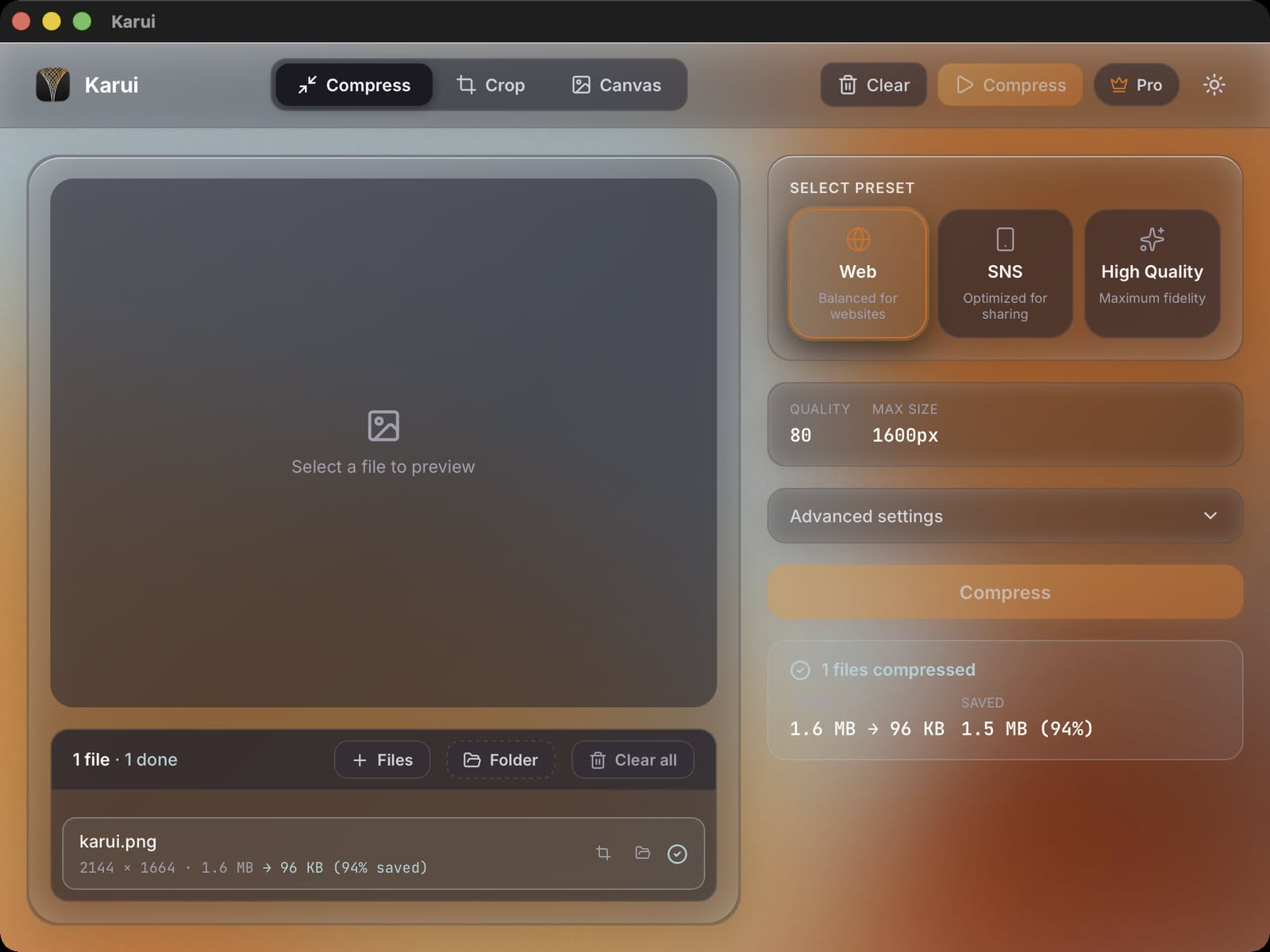
Karui app interface — image compressor and HEIC converter
0 % Smaller
0 + Formats
0 % Offline

No more trade-offs

You took the perfect shot. Now you want to share it.
But the file's too big to upload. Too heavy to send.
Compress it, and the quality tanks. Every time.

Karui (pronounced "ka-ru-ee") ends that struggle.
Next-gen compression. HEIC & AVIF conversion. PDF compression.
Batch processing. Resize. Crop. Everything in one app.

No internet required. Runs entirely on your computer.
Drop hundreds of photos — JPEG, PNG, HEIC, AVIF, or PDF.
Your files stay private. Always.

Web developers and designers:
Ever been told "the images are too heavy"?
Those high-res assets from Figma — upload them as-is, and PageSpeed tanks.
Drop 100 images at once. Convert HEIC from iPhones. Compress PDFs. Everything local.

See for yourself

Same quality. Up to 99% smaller.

Image compression example — 93% file size reduction
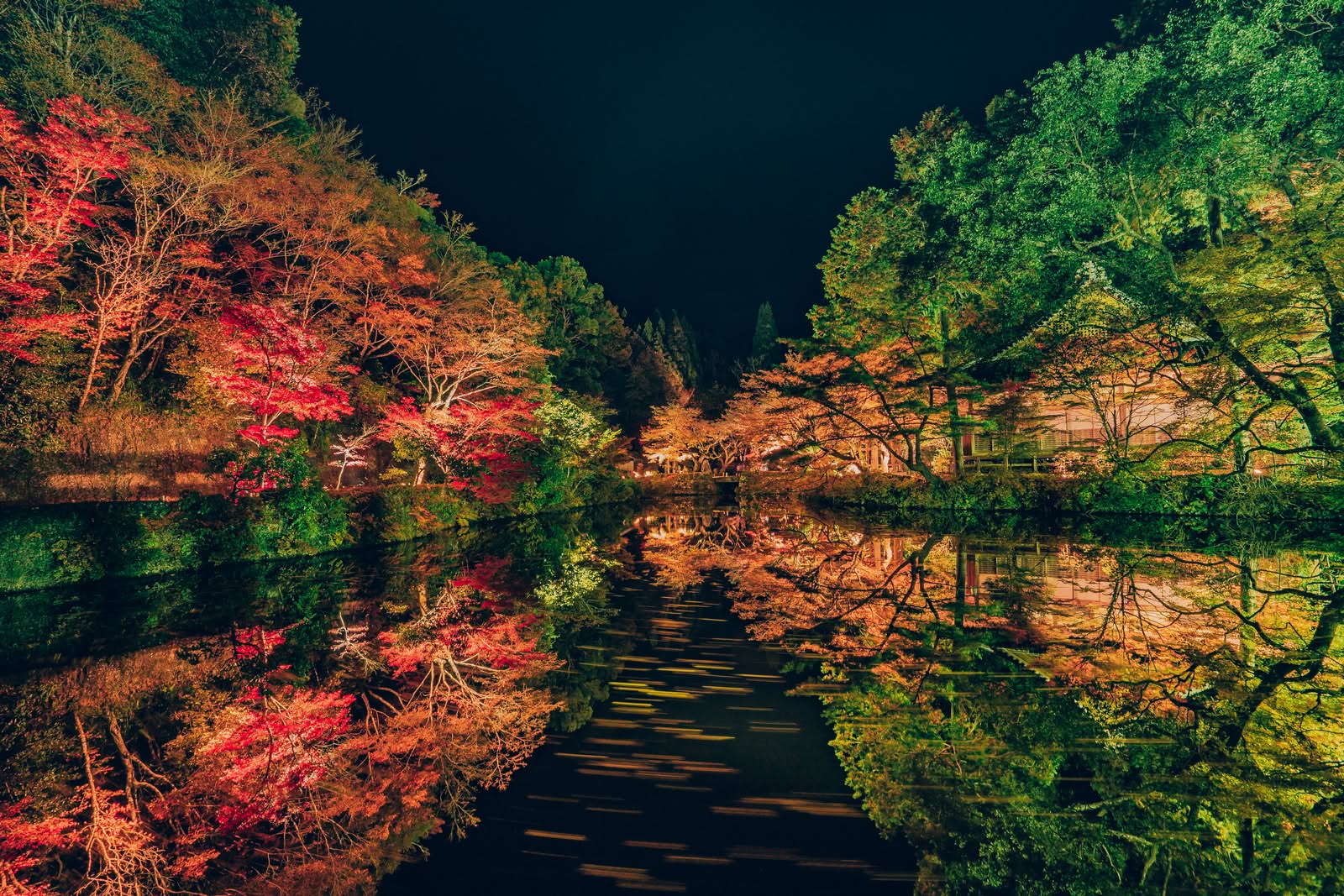
-93% 7.1MB → 542KB
Photo compression result
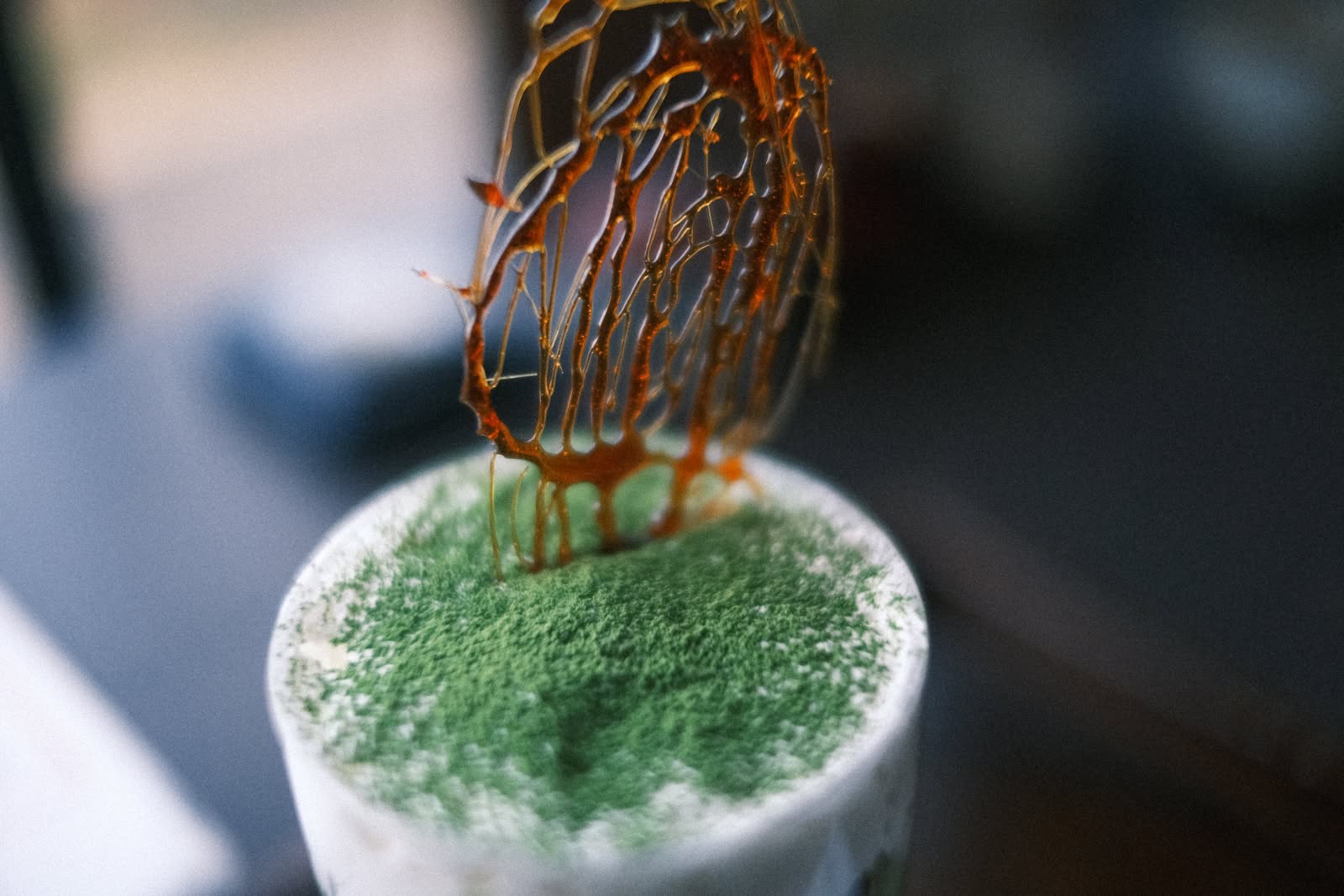
-98% 6.2MB → 125KB
Batch image optimization result
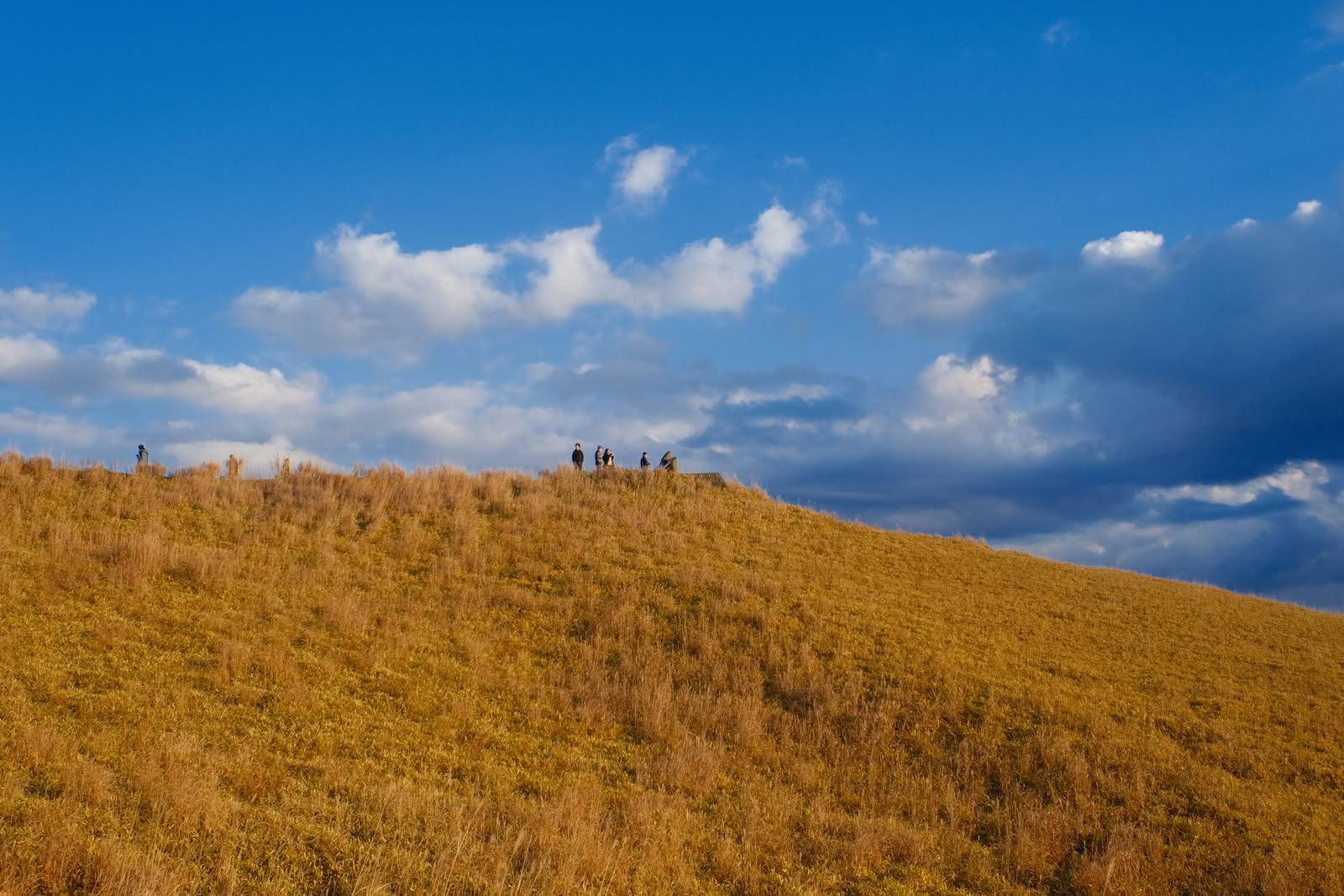
-99% 16MB → 237KB
JPEG compression before and after
-99% 16MB → 153KB

HEIC / HEIF / AVIF to JPEG converter

Convert iPhone photos (HEIC/HEIF) and next-gen formats (AVIF) to universally compatible JPEG. Batch convert hundreds at once — no more format headaches.

PDF compressor

Reduce PDF file sizes with two modes: Smart mode optimizes images inside your PDF, Render mode re-renders pages as compressed images. Perfect for documents, presentations, and scanned files.

Batch process hundreds at once

Drop your entire photo folder. SIMD-optimized engine handles them all in seconds. 100 product images before deadline? Done in one drop.

Free web compressor tool

Need a quick online image converter? Use the free web compressor for HEIC/HEIF/AVIF and PDF. Compress and convert directly in your browser before installing the desktop app.

100% private, works offline

Your photos never leave your device. No cloud uploads, no tracking. Safe for client work. NDA-friendly.

Mac and Windows

Same great experience on both platforms. A serious image compressor for Windows — finally.

Resize to any dimension

Change image dimensions with one click. Preset sizes for web, social media, and print. Reduce resolution while keeping quality — smaller file sizes without visible difference.

Crop and trim with precision

Remove unwanted areas with pixel-perfect cropping. Free-form or fixed ratio. Crop, resize, and compress in a single workflow.

7+ formats supported

JPEG, PNG, WebP, HEIC, HEIF, AVIF, and PDF. Drop any format — Karui handles the rest. The only image optimizer you'll ever need.

FAQ

How do I convert HEIC to JPEG on Mac or Windows?

Karui is the easiest HEIC to JPEG converter for Mac and Windows. Drag and drop your iPhone photos (HEIC/HEIF files), and Karui automatically converts and compresses them into optimized JPEG. Batch convert hundreds at once — no internet required, everything runs offline.

Can Karui compress PDF files?

Yes. Karui offers two PDF compression modes: Smart mode optimizes the images embedded inside your PDF, and Render mode re-renders pages as compressed images for maximum size reduction. Both modes significantly reduce PDF file sizes while maintaining readability.

What image formats does Karui support?

Karui accepts JPEG, PNG, WebP, HEIC, HEIF, AVIF, and PDF as input. Images are compressed to optimized JPEG using Karui's next-generation encoder. PDFs are compressed and output as optimized PDFs. One app for all your formats.

Why use Karui for web development?

Unlike TinyPNG or Squoosh, Karui runs 100% offline. No uploading client assets to the cloud. Resize + compress + convert in one step — the fastest Figma → Karui → deploy workflow. Supports HEIC and AVIF input too.

Will it improve my PageSpeed score?

Yes. Images are a major factor in PageSpeed. The "Web" preset (1600px Q75) gets most images under 200KB, significantly improving LCP.

How is it different from TinyPNG or Squoosh?

Karui is the only tool with offline processing, format conversion (HEIC/AVIF/PDF), resize, crop, and batch — all in one. No uploads, no privacy concerns, no limits.

Can I use Karui as an online web compressor?

Yes. The free web compressor converts HEIC/HEIF/AVIF to JPEG and compresses images/PDF directly in your browser. It is the fastest way to use an image converter before installing the desktop app.

Simple pricing

One-time purchase. Not a subscription.

Standard

Get started for free

Free
  • 20 images per day
  • Full compression engine
  • 7-day Pro trial
Get Started

Get started now

macOS / Windows