Guides
Practical guides for making images and PDFs smaller without adding workflow friction.

How to Compress a PDF to Under 200KB for Application Forms and Uploads
How to compress a PDF to under 200KB for application forms and document submissions. Covers checking the size in Karui while changing compression strength and Quality, a shell script that retries automatically using stat on macOS and Linux, and last resorts when the file still won't fit.

How to Compress a PDF Offline (No Upload, Free)
Three ways to compress a PDF without putting it online: a desktop app, the command line, and in-browser processing. In our own benchmark, the strongest setting came out smaller than Ghostscript's /ebook on all 8 files. Includes free steps to try and what to watch out for.

How to Batch-Convert iPhone Photos to WebP (Smaller Files for the Web)
How to batch-convert iPhone HEIC photos to WebP, with both the CLI and the GUI. The key to smaller files is resizing to 1600px on the long edge, not just converting. Covers recommended settings for blogs, online stores, and landing pages, Safari and transparency caveats, and lossless vs. lossy.
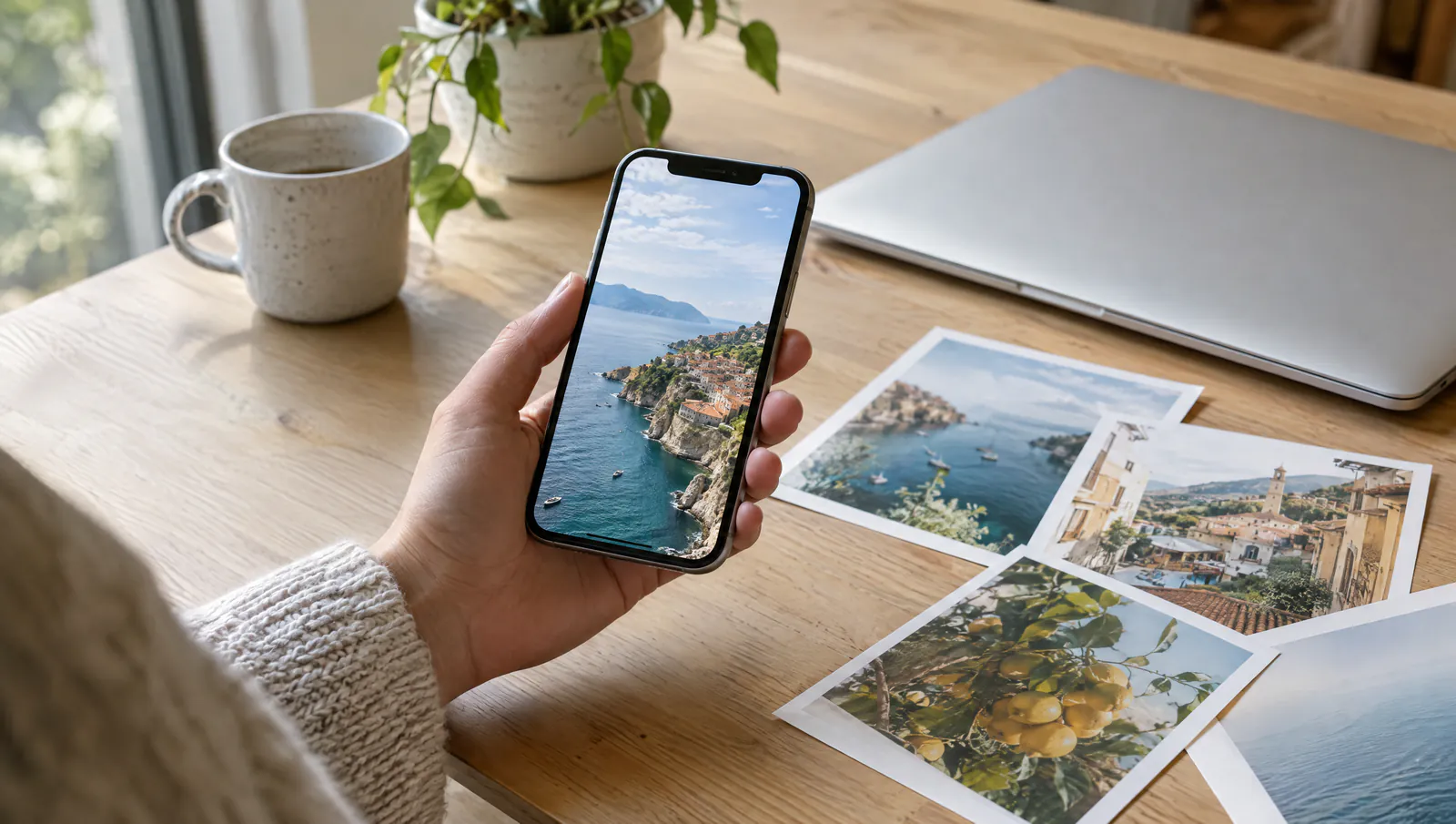
How to Batch-Convert HEIC Photos to JPEG on Mac (Free, No Visible Quality Loss)
Three ways to batch-convert HEIC to JPEG on a Mac: the Photos app, Shortcuts, and Karui. Convert and compress in one step and 50 HEIC files totaling 230MB become 14.8MB (our own measurement, 93.6% smaller). Also covers iCloud optimization and keeping your originals.
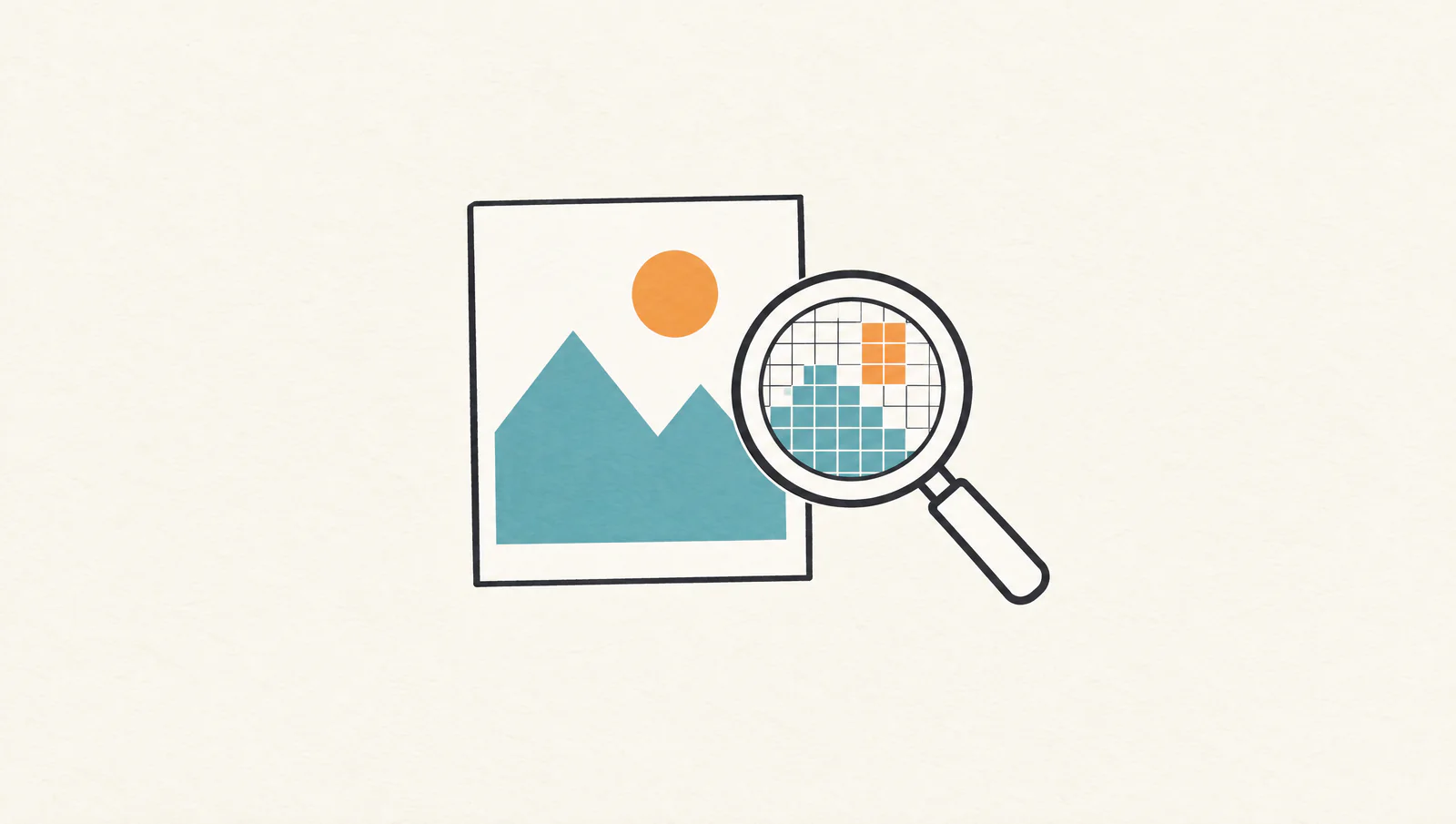
How to Compress a JPEG Without Losing Quality (How It Works and Measured Results)
JPEG is lossy, so fully lossless compression is impossible in principle. You can still make files smaller without changing how they look. This guide covers resizing, the distance parameter, and metadata, in that order, with our in-house result: a 9.46MB photo at about 450KB (95% reduction) at 1920px and d1.0.